Import
The route on your phone in seconds
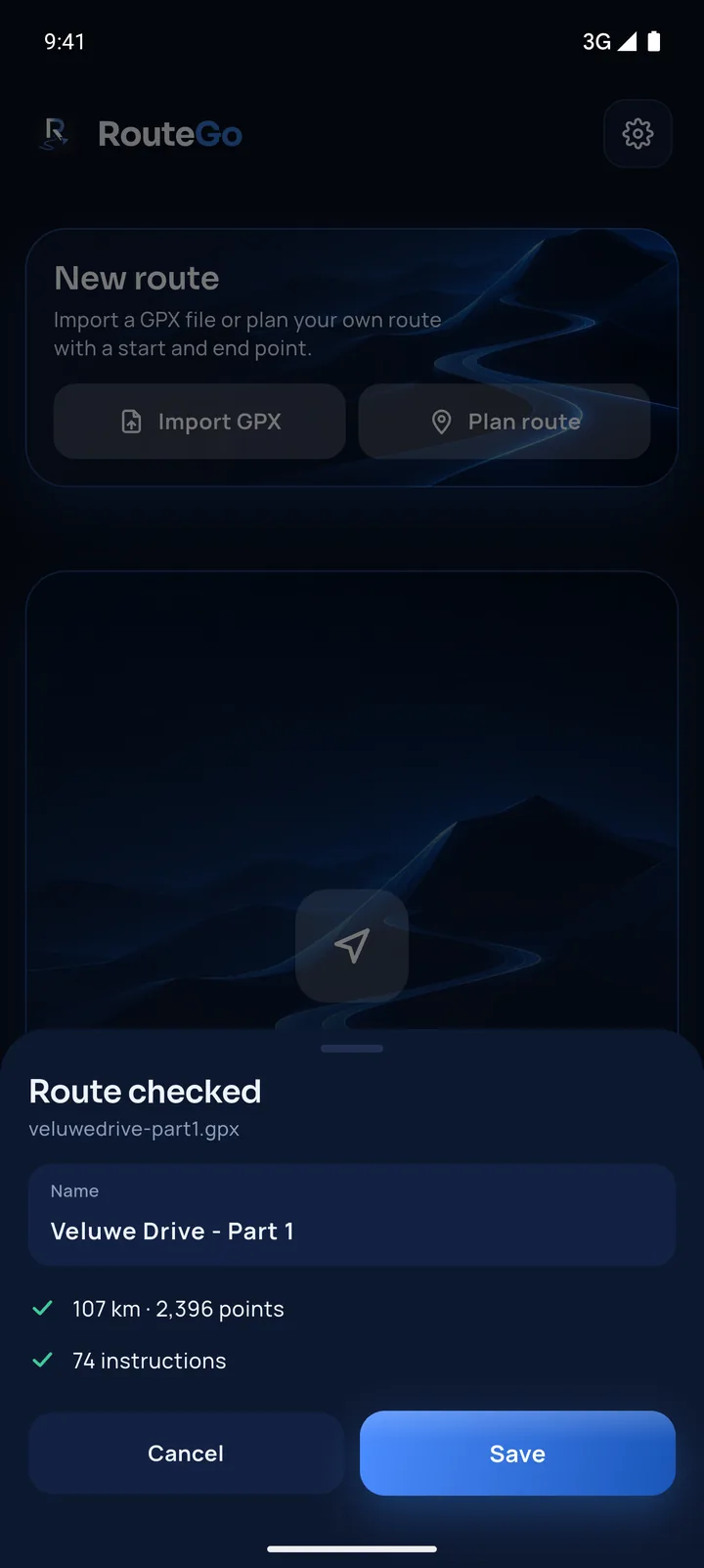
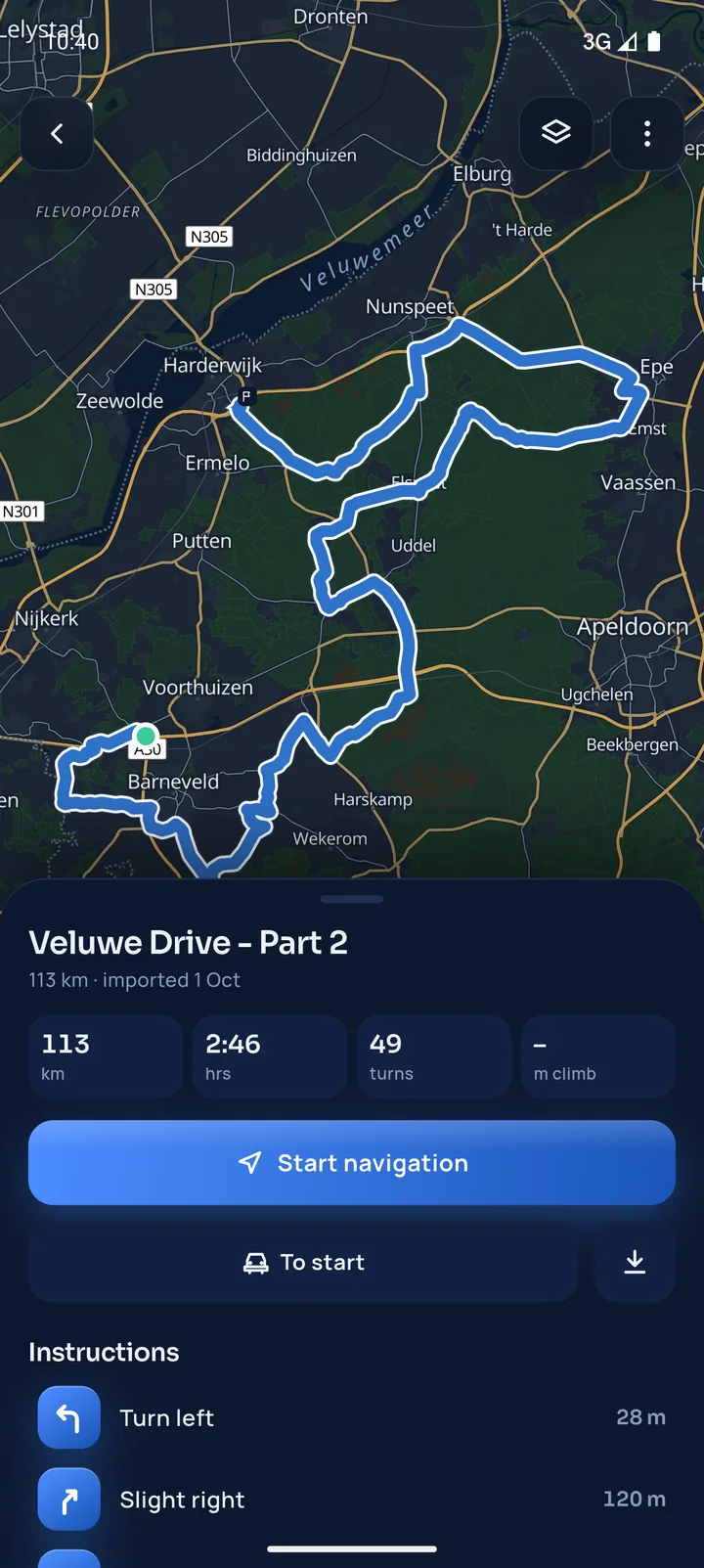
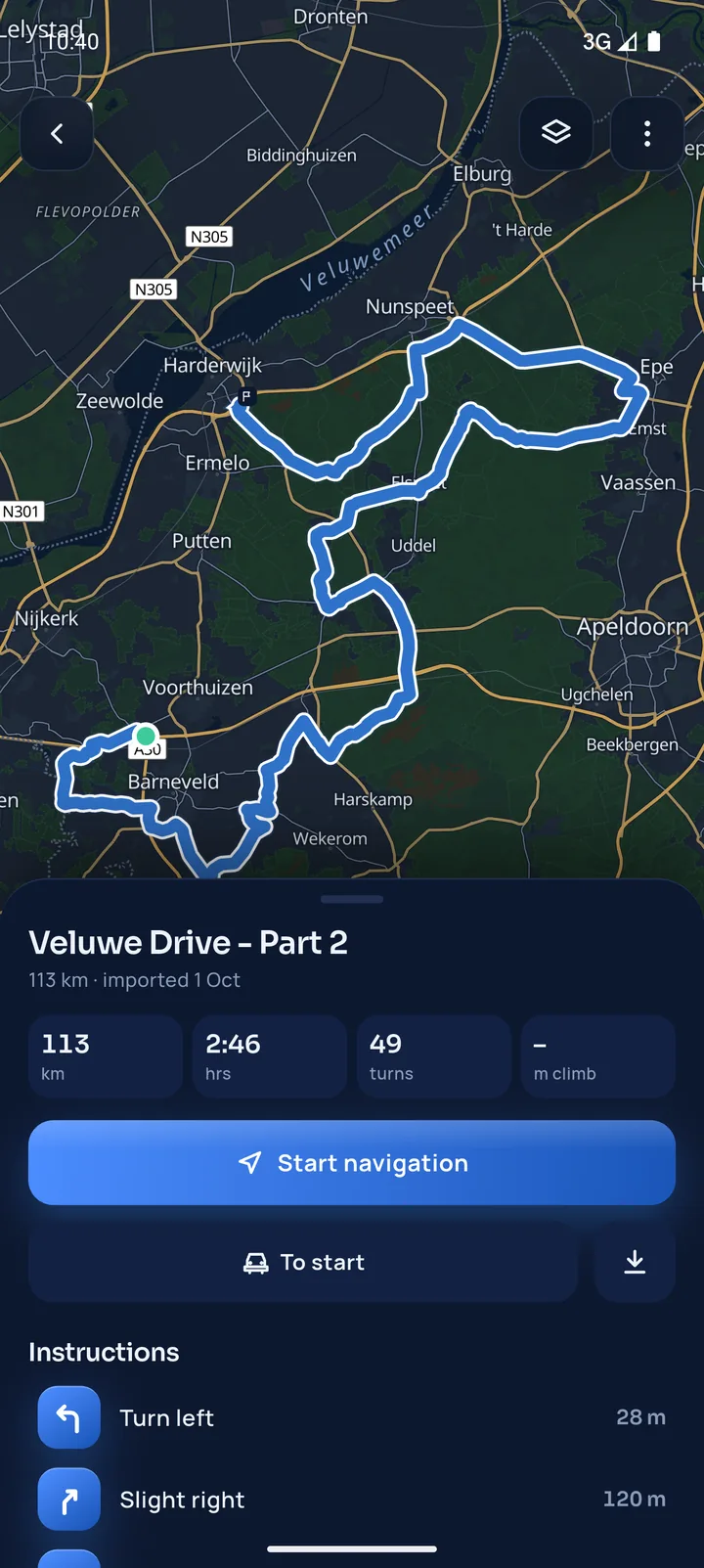
Open the GPX from the organiser's email or chat, or tap a tour invite link. RouteGo checks the track, works out every turn and saves it, ready to drive.
GPX navigation for car tours
RouteGo navigates the exact GPX route of your tour, turn by turn, and puts your whole group on one live map. On your phone, Android Auto and CarPlay.
Organising a tour?The problem
You get a GPX file from the organiser and a group chat full of pins. Then the driving starts.
Sunday tour 🚗 14 members
Where are you guys??
Lost you after the roundabout
📍 Live location · 15 min
Wait, which exit?
Recalculating…Faster route found via A2 · saves 9 min
tour-day-2.gpxRoute simplified to 25 waypoints
RouteGo fixes all three.
One app. The organiser's exact line. Everyone on the same map.
Load the GPX and it plans its own fastest route. Miss one turn and it sends you down the motorway, away from the roads the organiser picked.
Most GPX apps are made for walking and cycling: small text, weak voice guidance and no Android Auto or CarPlay.
Fifteen live locations in a group chat, each on its own map. Nobody knows who's ahead, who's lost or who stopped for fuel.
How it works
Import
Open the GPX from the organiser's email or chat, or tap a tour invite link. RouteGo checks the track, works out every turn and saves it, ready to drive.
Navigate
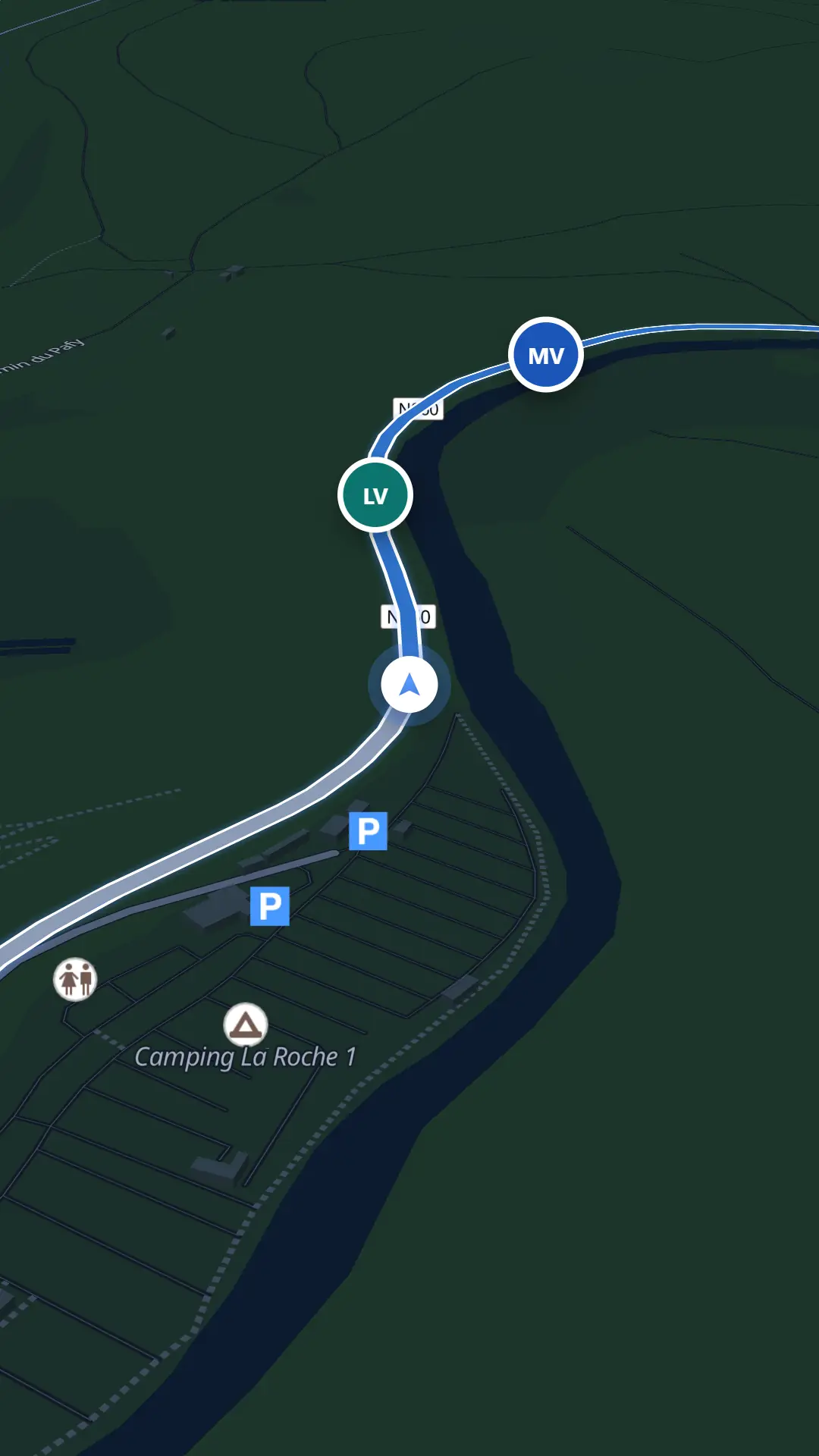
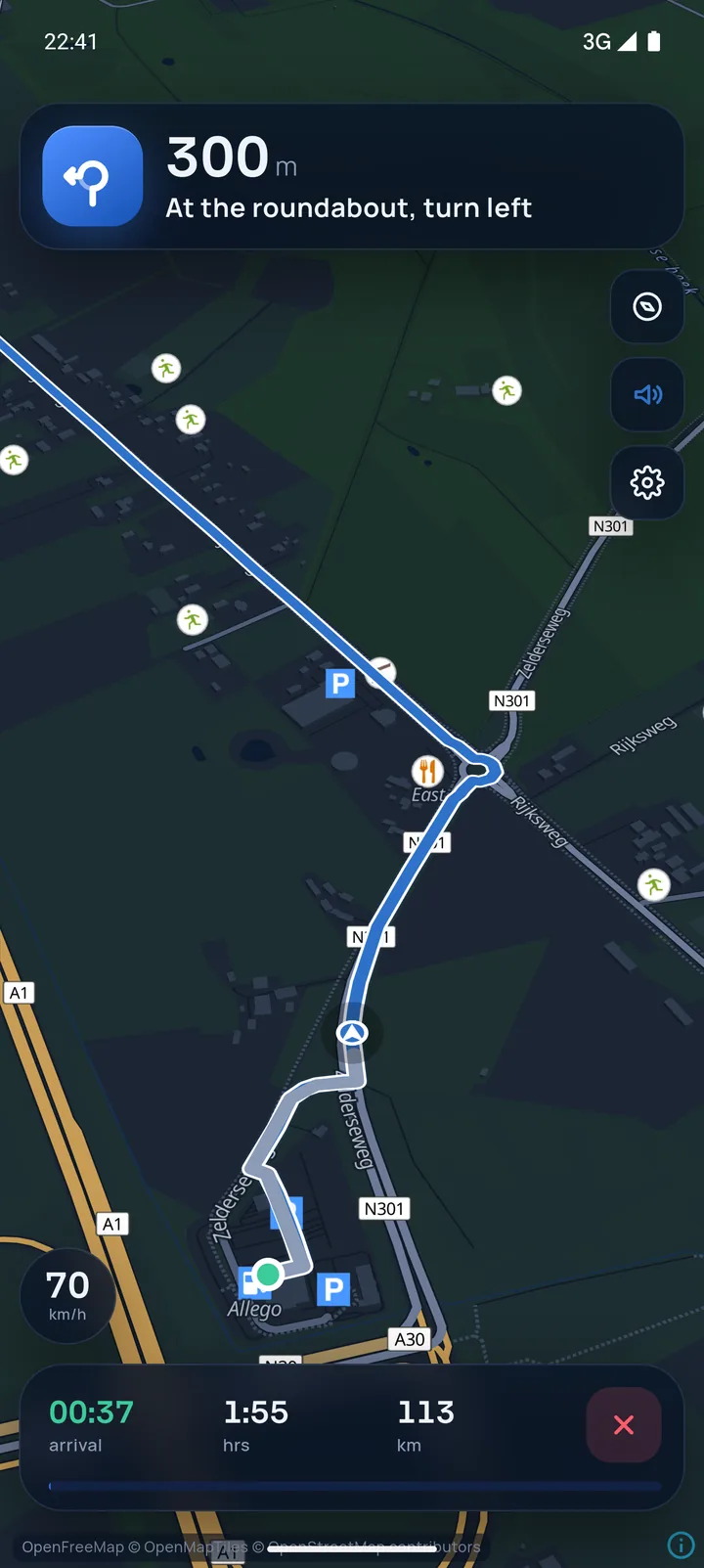
Clear voice instructions for turns, roundabouts and forks, read from the track and the real road network. RouteGo never recalculates, so you never leave the tour.
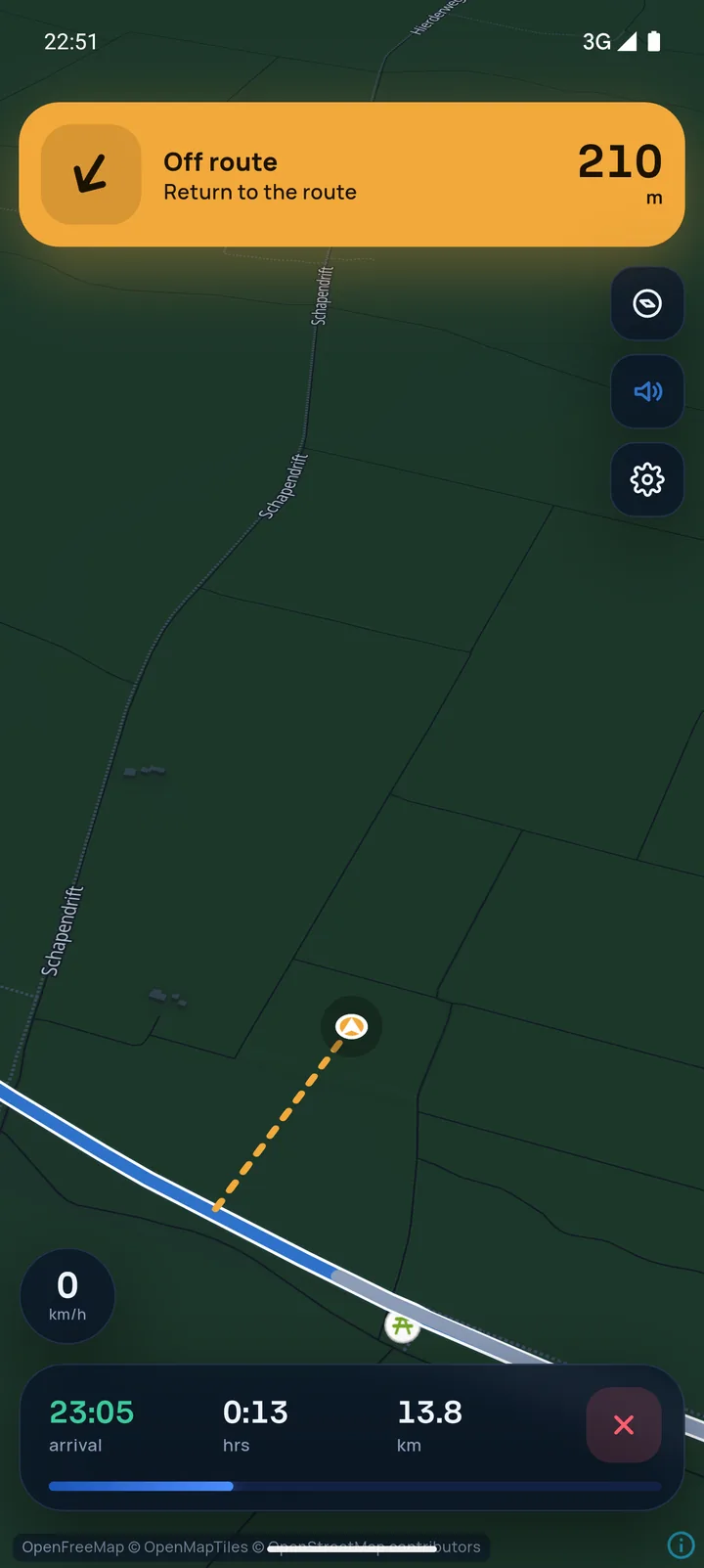
Off route
RouteGo notices within seconds, shows the way back in orange and picks you up as soon as you are back on the route, even further along.
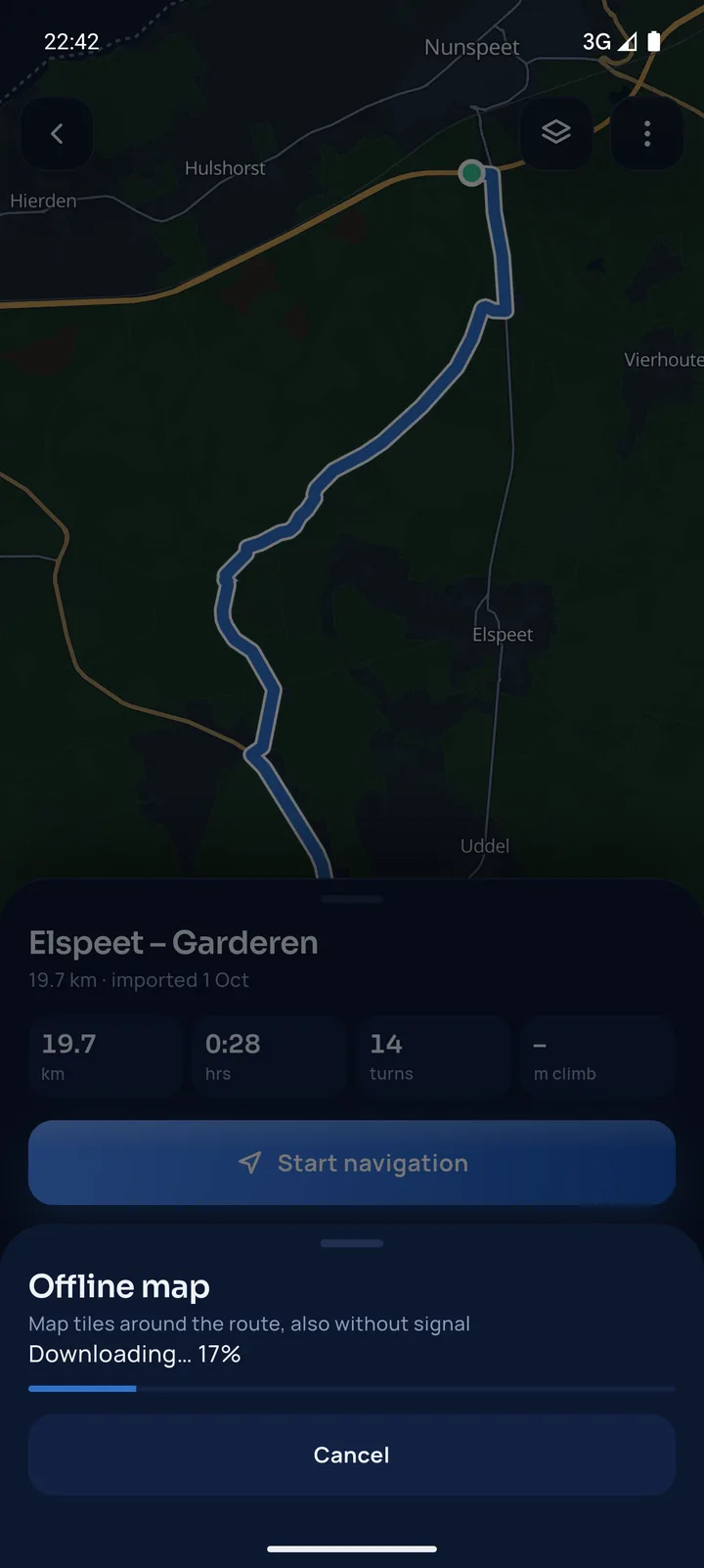
Offline
Download the map along your route before you leave. The navigation carries on in the Ardennes, the Eifel or the Alps.
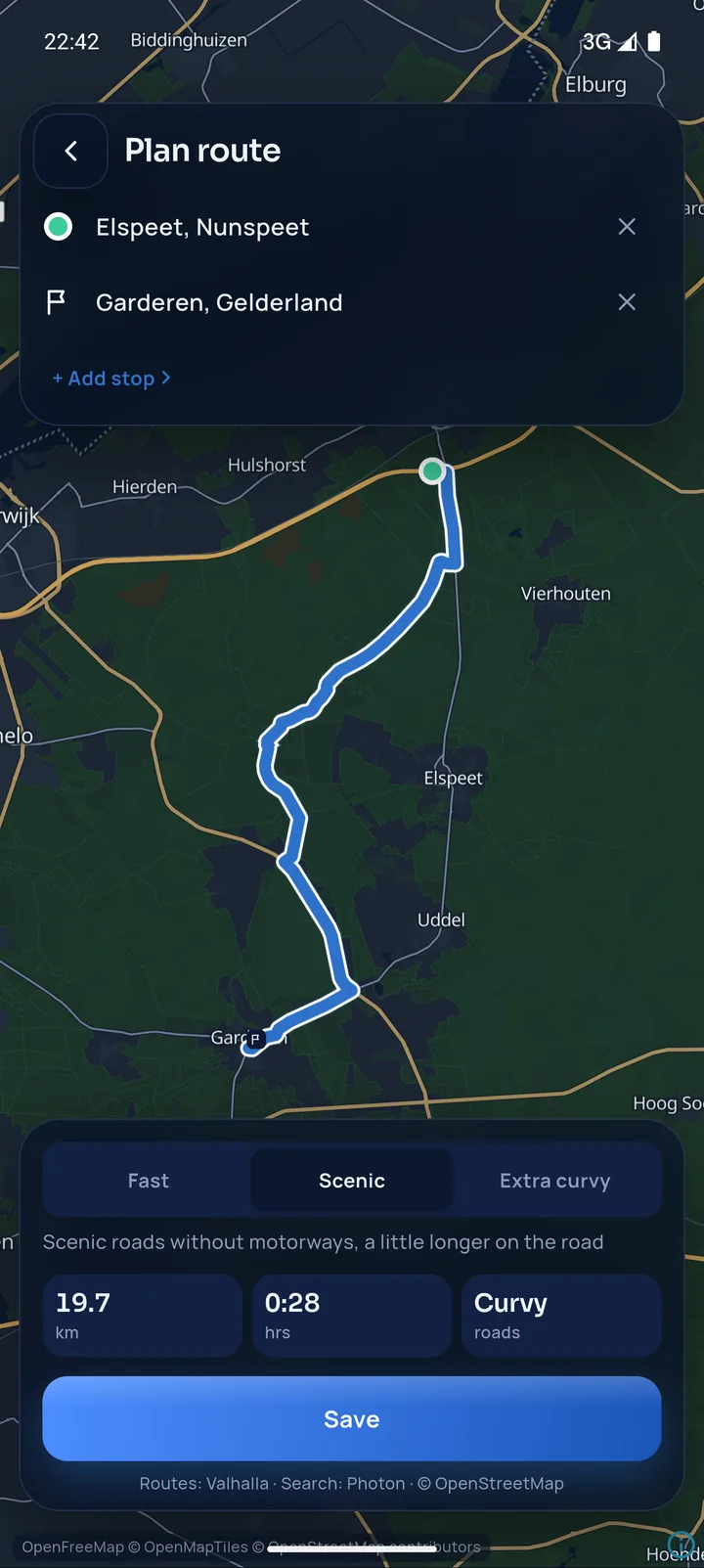
Plan
Set a start, a finish and stops in between. Choose Fast, Scenic or Extra curvy and RouteGo builds the route for you.
Together on the road
No more group chat full of pins. Everyone in the tour sees the others right on the navigation map, with their photo, their car and how far ahead they are.
In your car
Connect your phone and RouteGo appears on the dashboard: the same route, the same instructions and your group on the map.
For organisers
Car clubs, rallies, charity drives, company outings: give every participant the exact route and keep an eye on every car on the day.
Create a tour and share one invite link. Participants join and the route lands on their phone.
Morning loop, lunch, afternoon loop: add each part as its own GPX, in driving order.
See every car on the map: who has started, who is on route and who has arrived.
Start the tour, switch the active part for everyone, end it when the last car is in.
Road closed? Replace a part's GPX and every participant gets the new version.
Participants choose what they share. Locations are only sent while the tour is live.
Tell me about your event: the date, the number of cars and the route. I'll help you set it up in RouteGo.
FAQ
RouteGo is a navigation app for car tours. It imports a GPX file and navigates exactly that route with spoken turn-by-turn instructions, shows the whole group live on one map, and works with Android Auto and Apple CarPlay.
No. RouteGo never calculates a new route while you drive. It shows the way back to the organiser's route and carries on as soon as you rejoin it, even further along.
Any GPX file with a track, as exported by route planners and tour organisers. When a file holds several tracks, you pick the one to drive. Open the file from email, a chat app or your files, or join a tour through an invite link.
Yes. RouteGo shows the route, the next instruction, the arrival time and your group on the car screen through Android Auto and Apple CarPlay. Voice instructions play through the car speakers.
Yes. Download the map along your route before you leave. GPS works without a data connection, so the navigation carries on in areas without signal.
You choose: nobody, only the organiser, or the whole group. Your location is only shared while the tour is live and you are navigating, and you can switch it off at any time.
Create a tour in the app, add one GPX file per part or plan the route in the app, and share the invite link. Participants join with the link and get the route on their phone. For help with your event, email [email protected].
RouteGo works wherever there are roads. The app is available in English and Dutch.
RouteGo for iPhone and Android, with Android Auto and Apple CarPlay.