
For tour organisers
Run your car tour
from one link.
Car clubs, classic car rallies, charity drives and company outings use RouteGo to give every participant the exact GPX route, run the day in parts and see every car live on the map.
Your tour, step by step
From GPX file to the last car home.
- Create the tourName, date, start time and meeting point. Add one GPX per part, or plan a route in the app.
- Share one linkSend the invite by email, chat or on your website. Anyone with the link can join.
- Participants joinThey open the link, pick their car and download the route, also for offline use.
- Start the tourEveryone drives the same line with the same spoken instructions, on their phone or car screen.
- Follow every carSee who has started, who is on route and who has arrived. Switch the active part for everyone.
- Wrap upEnd the tour when the last car is in. It stays as a memory; personal data is cleaned up automatically.
Everything you need on the day
Built for the people
who plan the drive.
One invite link
No files in a group chat. The link opens RouteGo and the route lands on the participant's phone.
Tours in parts
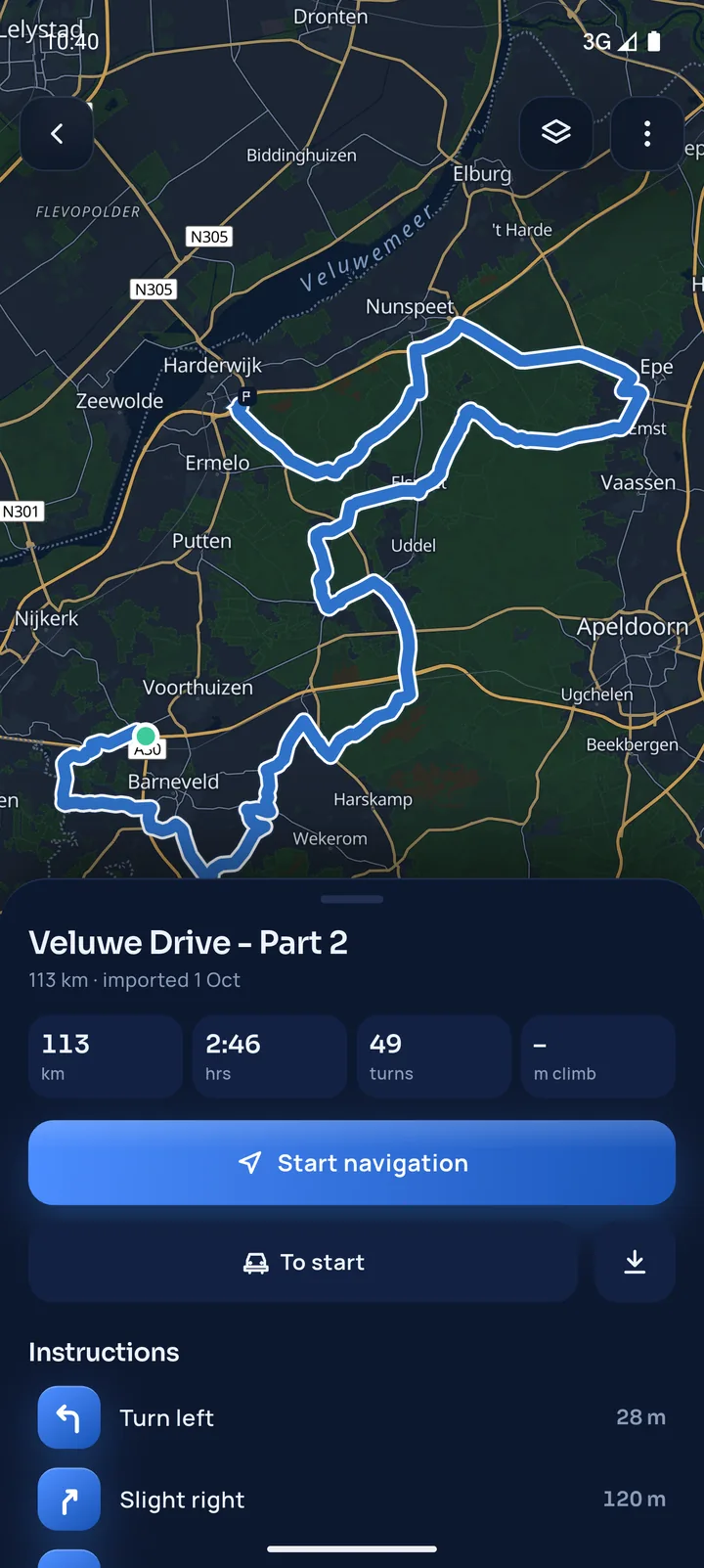
Morning loop, lunch stop, afternoon loop: each part has its own GPX, in driving order.
Live overview
Every sharing car on the map, with its distance along the route and whether it is on route.
Control the day
Start the tour, switch the active part, open or close sign-up through the link, end the tour.
Last-minute changes
Road works on the route? Replace the part's GPX and every participant gets the new version.
Cars, not just names
Participants add their car with a photo, so you know who is in the red Alfa and who is in the Porsche.
Privacy by default
Participants choose who sees them. Positions are only sent while the tour is live.
Android Auto and CarPlay
Participants drive the tour on their car's screen, with your group on the map.
Offline maps
Routes through the hills keep working: participants download the map along the route.
Who uses it
Any tour where cars
drive the same route.
- Car club tours
- Classic car rallies
- Sports car drives
- Charity drives
- Company outings
- Road trips with friends
- Brand and dealer events
- Multi-day tours
FAQ for organisers
Good to know.
Do participants need an account?
To join a tour, participants open your invite link in RouteGo and sign in with Google or Apple. Driving a route on its own needs no account.
Can I change the route after I sent the invite?
Yes. Replace the GPX of a part, add a part or change the order. Participants see that the route was updated and get the new version.
Can a tour have several parts?
Yes. Add one GPX file per part, in driving order, for example a morning loop and an afternoon loop. On the day you switch the active part for everyone.
Can I see where every car is?
You see every participant who shares their location with the organiser or the group, live on the map with their distance along the route. Participants choose what they share, and positions are only sent while the tour is live.
What happens after the tour?
The tour stays as a memory. Thirty days after the tour date it is archived: the route file is removed and live positions are cleaned up automatically.
Can you help me set up my event?
Yes. Email [email protected] with the date, the number of cars and the route, and I'll help you set it up in RouteGo.
Planning a tour?
Let's talk.
Tell me about your event: the date, the number of cars and the route. I'll help you set it up in RouteGo.
Participants get RouteGo here: